
Skip to content
View in the app

A better way to browse. Learn more.

Safelincs Fire Safety Forum

A full-screen app on your home screen with push notifications, badges and more.

To install this app on iOS and iPadOS
  1. Tap the Share icon in Safari
  2. Scroll the menu and tap Add to Home Screen.
  3. Tap Add in the top-right corner.
To install this app on Android
  1. Tap the 3-dot menu (⋮) in the top-right corner of the browser.
  2. Tap Add to Home screen or Install app.
  3. Confirm by tapping Install.

Aidan W

Members
  • Joined

  • Last visited

Everything posted by Aidan W

  1. Just a single action on butt hinges.
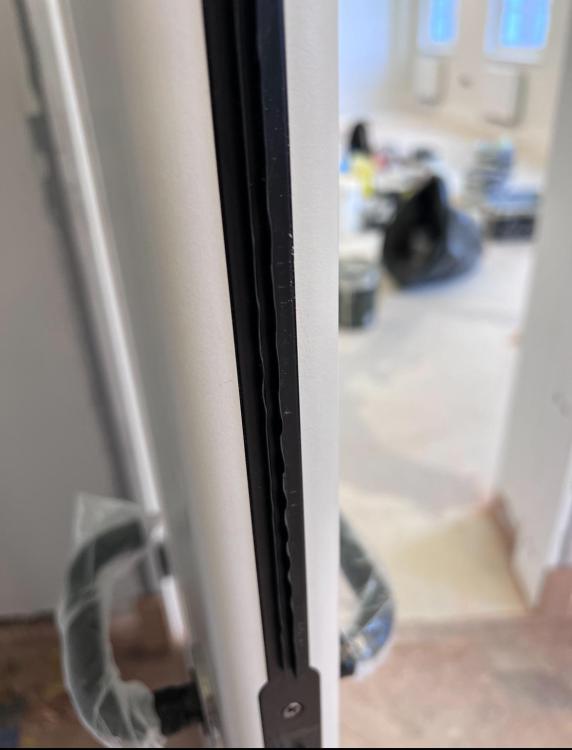
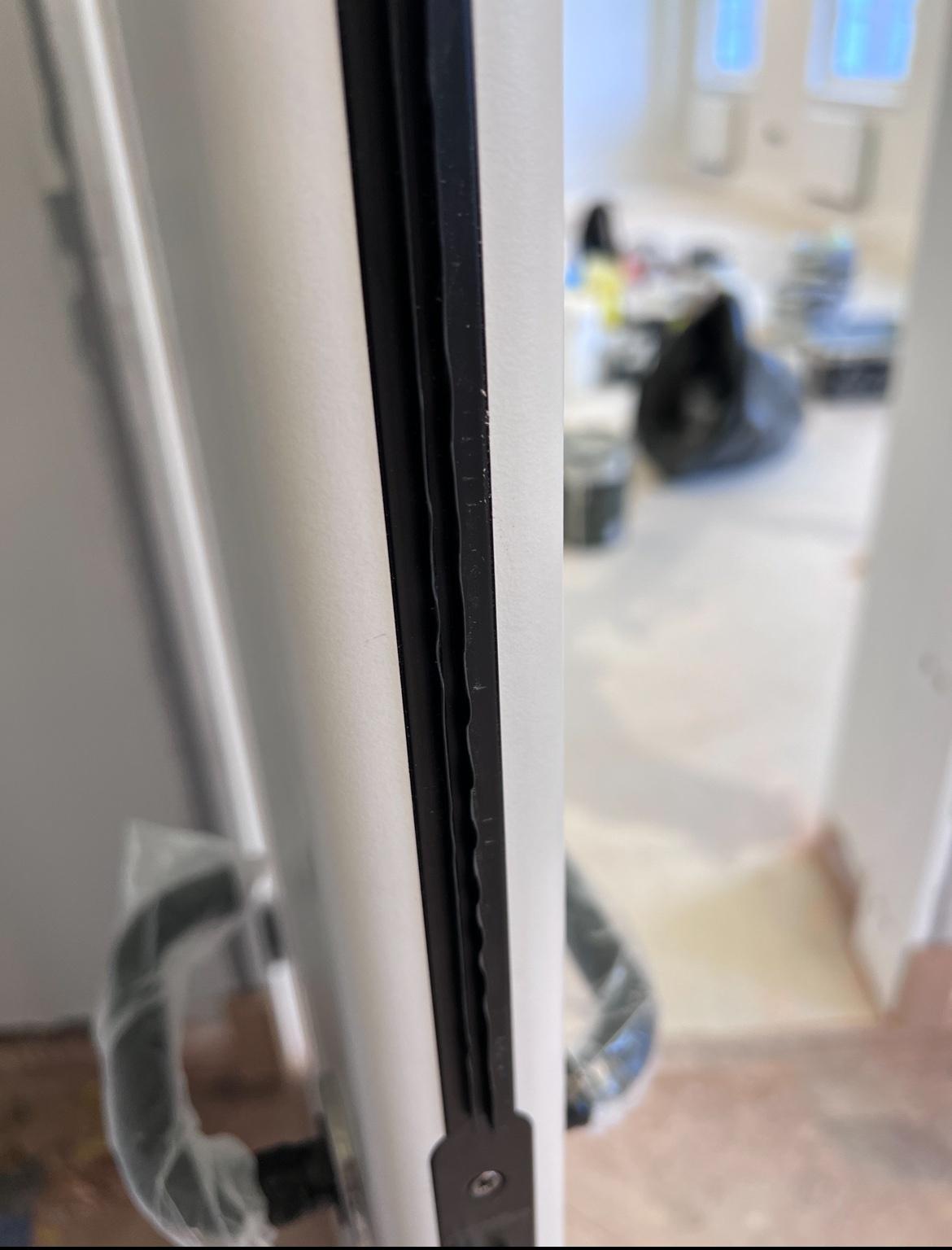
  2. Fire Door Fitter Here. We are currently fitting doors with twin fin intumescent strips pre installed. We are experiencing operation issues after install that the door is too difficult to open and close due to the friction that the two rubber strips create when trying to use the doors, was hoping another fitter might have a potential fix. Have been discussing with manufacturer however they are not keen on changing to brushed strips.
Account

Navigation

Search

Search

Configure browser push notifications

Chrome (Android)
  1. Tap the lock icon next to the address bar.
  2. Tap Permissions → Notifications.
  3. Adjust your preference.
Chrome (Desktop)
  1. Click the padlock icon in the address bar.
  2. Select Site settings.
  3. Find Notifications and adjust your preference.