Skip to content
View in the app

A better way to browse. Learn more.

Safelincs Fire Safety Forum

A full-screen app on your home screen with push notifications, badges and more.

To install this app on iOS and iPadOS
  1. Tap the Share icon in Safari
  2. Scroll the menu and tap Add to Home Screen.
  3. Tap Add in the top-right corner.
To install this app on Android
  1. Tap the 3-dot menu (⋮) in the top-right corner of the browser.
  2. Tap Add to Home screen or Install app.
  3. Confirm by tapping Install.

homerjkev

Members
  • Joined

  • Last visited

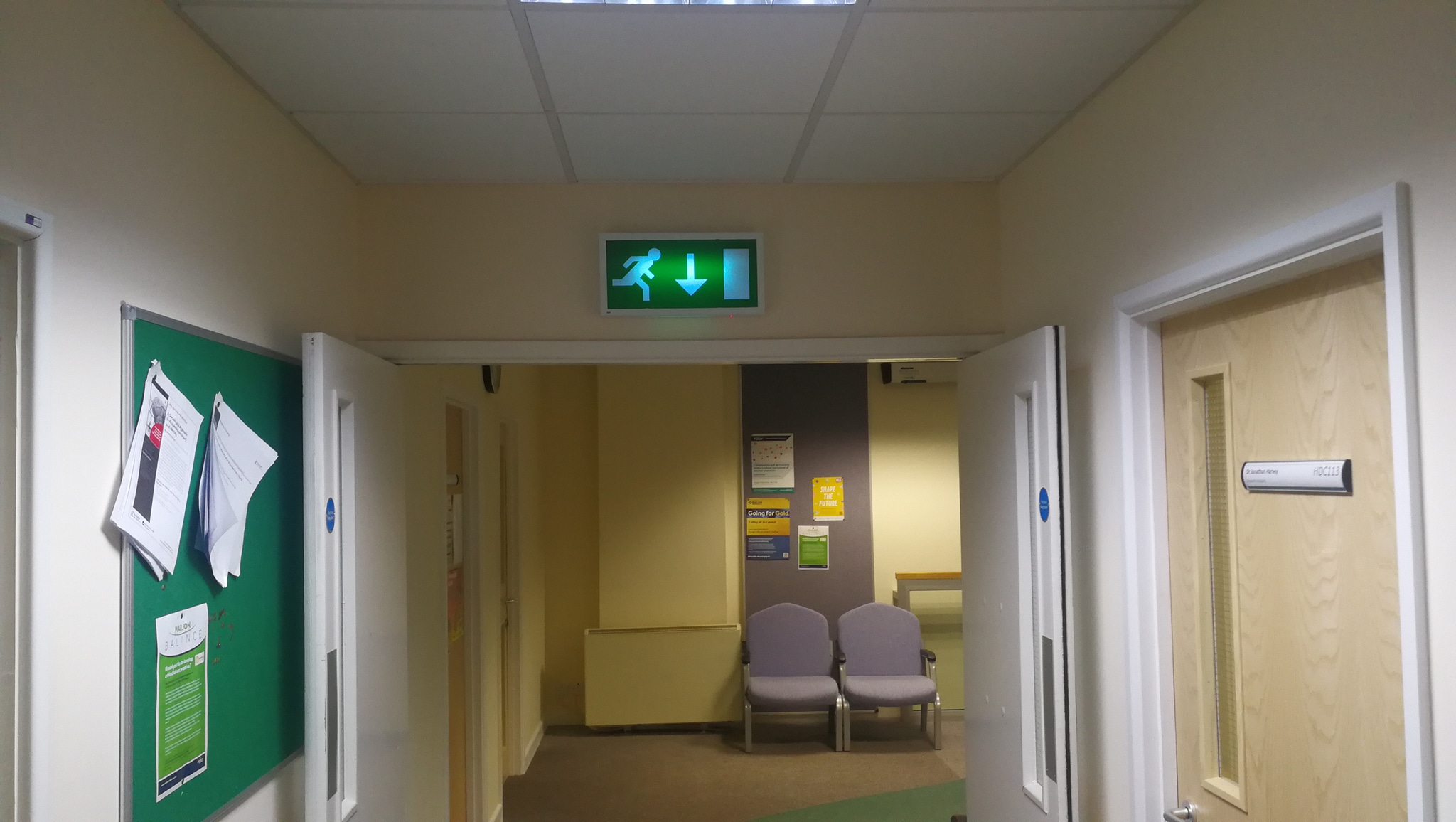
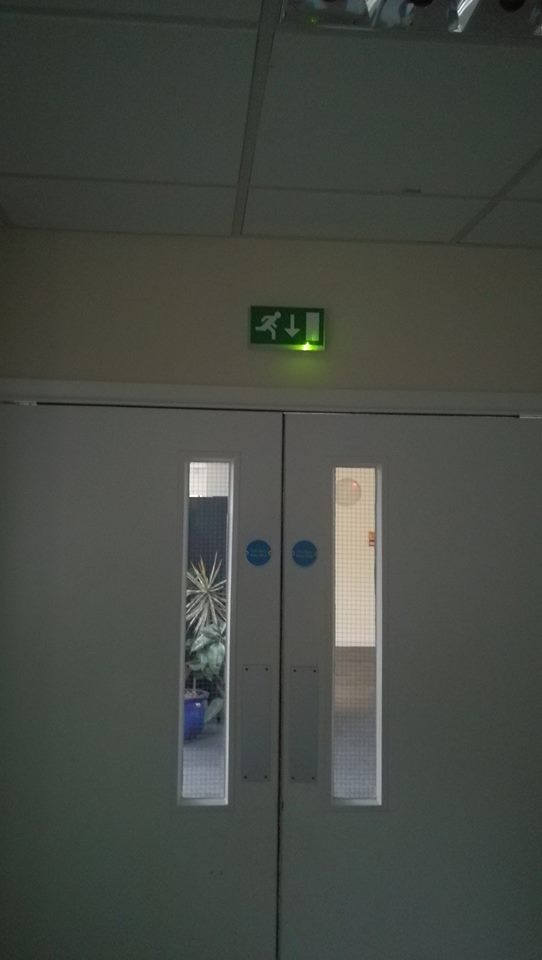
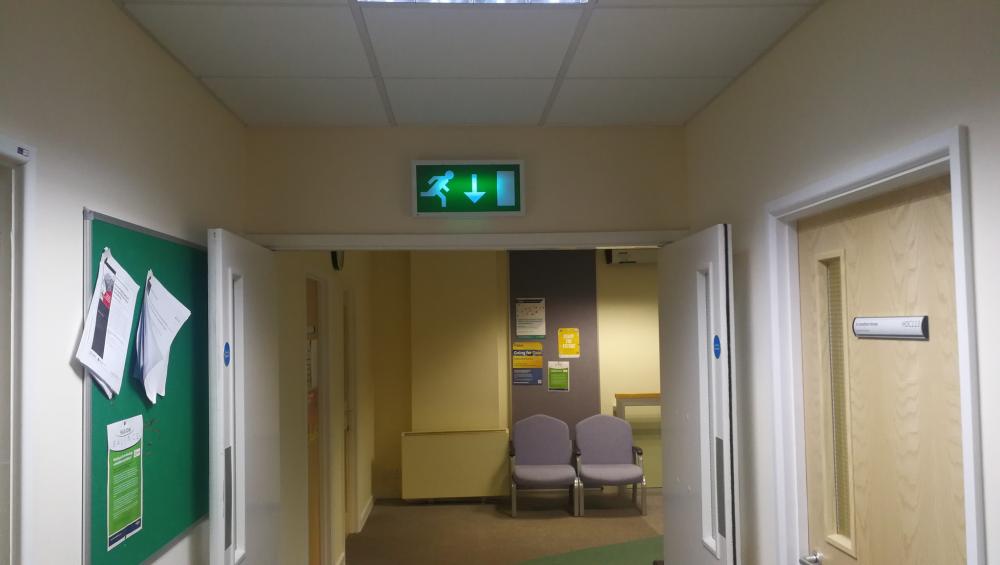
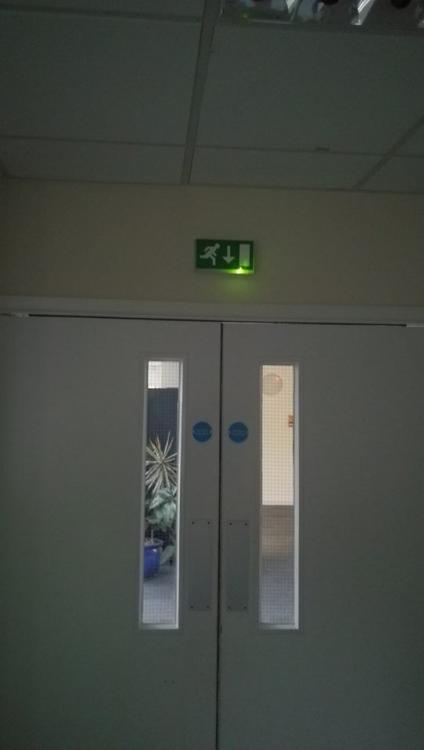
  1. Hi there, I work at university and just making sure that our signs are legal. Around half our Fire exit signs are illuminated and many are not, it woud appear to be that they have not been maintained. Please see examples of attached images. I'm no expert but keen to learn little more around all aspects of fire safety. Are these lights classed as Sustained? And what's the difference to non sustained if I'm using the right terminology.. Many thanks Kevin
Account

Navigation

Search

Search

Configure browser push notifications

Chrome (Android)
  1. Tap the lock icon next to the address bar.
  2. Tap Permissions → Notifications.
  3. Adjust your preference.
Chrome (Desktop)
  1. Click the padlock icon in the address bar.
  2. Select Site settings.
  3. Find Notifications and adjust your preference.