aluck
Members
-
Joined
-
Last visited
Everything posted by aluck
-
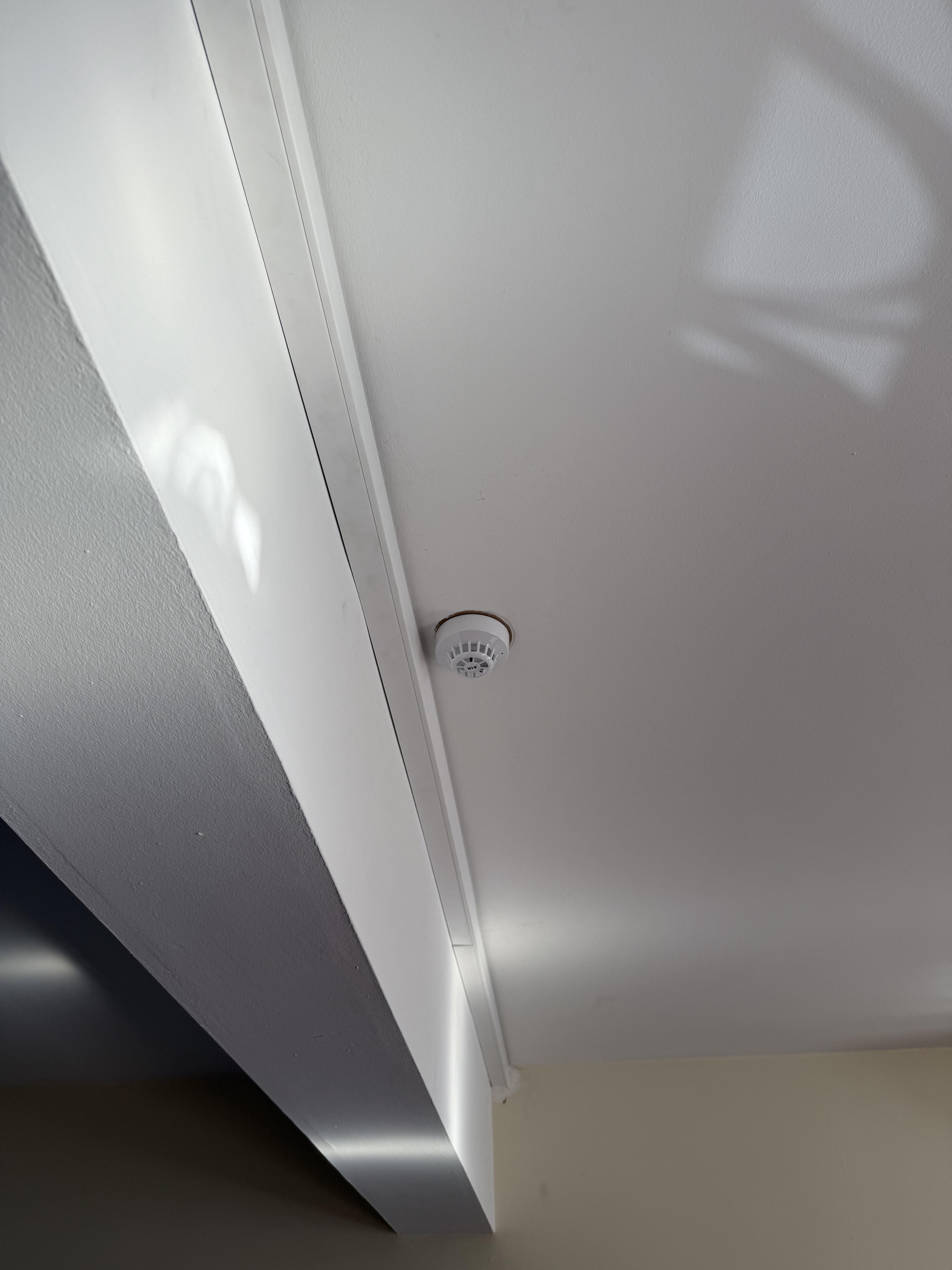
Good Morning, Wondering if anyone is able to help/give advice - we have had a well known fire alarm company install devices and service our conventional fire alarm system, and passed it with a certificate at 100% compliance. (This has been the case for the past 7 Years) I have noted that; - MCP's are not installed correctly to the correct boxes - Heat detectors installed throughout the premise (despite FRA saying only in kitchen areas) - Detectors sited in wrong positions (e.g. Next to beams, Air Con Units etc) - System devices wired to panel with Twin Earth cable rather then Fire Cable - Mixed sounders on the system Some of the above were also noted on the Fire Risk Assessment by the same company. Upon their last inspection they stated they tested all 6 MCP's, 11 Detectors and 11 Sounders - Where no alarm was activated to do a sound check, and upon review of CCTV not all MCPS and Detector Heads were tested as stated on the inspection certificate. I am currently composing a letter to the company with my concerns, and the quality of the service. (Failure of Contract Agreement) and Safety Concerns etc. Does anyone have any legislation I can relate back to? The premises is a Hospitality Venue (Pub) with living accommodation above for the Pub Manager. I will upload photos separate of some of the devices and issues. Any help would be appreciated