Jud2890
Members
-
Joined
-
Last visited
Everything posted by Jud2890
-
I think it may be a sounder from a business in Wales called “Blackwood Fire” as that is what the fire extinguishers also in this building say on them but I cannot find images of the sounders they provide anywhere
-
Ooo could be! I was wondering if it was a Roshni but I didn’t see the logo on the end and it looked like a different shape slightly, is it an older Roshni perhaps? Possibly from the 1990s? As it was in 2002 and the sounders were removed by the looks of it so they must have been there a while.
-
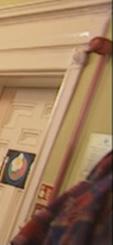
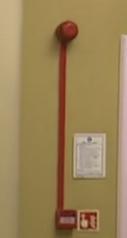
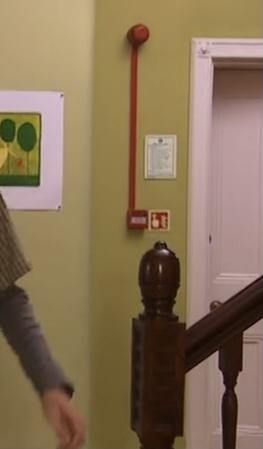
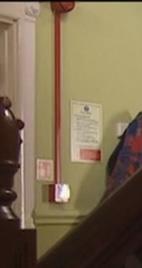
Just out of curiousity, does anyone know what fire alarm sounder this is? Here are some images. I am interested in old media from the 90s and 2000s and this particular piece of media is from (2002) and I noticed these fire sounders in the building. I am interested in old sounders and would like to work with fire alarms eventually. In the next part of this media a year later (2003) these sounders had gone.