
Skip to content
View in the app

A better way to browse. Learn more.

Safelincs Fire Safety Forum

A full-screen app on your home screen with push notifications, badges and more.

To install this app on iOS and iPadOS
  1. Tap the Share icon in Safari
  2. Scroll the menu and tap Add to Home Screen.
  3. Tap Add in the top-right corner.
To install this app on Android
  1. Tap the 3-dot menu (⋮) in the top-right corner of the browser.
  2. Tap Add to Home screen or Install app.
  3. Confirm by tapping Install.

pod7063

Members
  • Joined

  • Last visited

Everything posted by pod7063

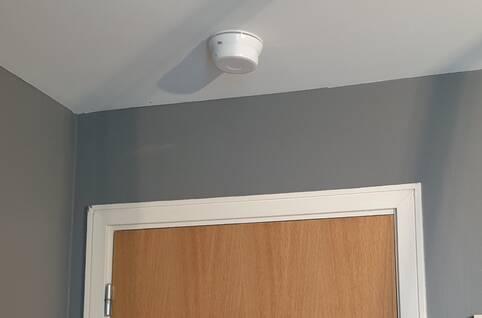
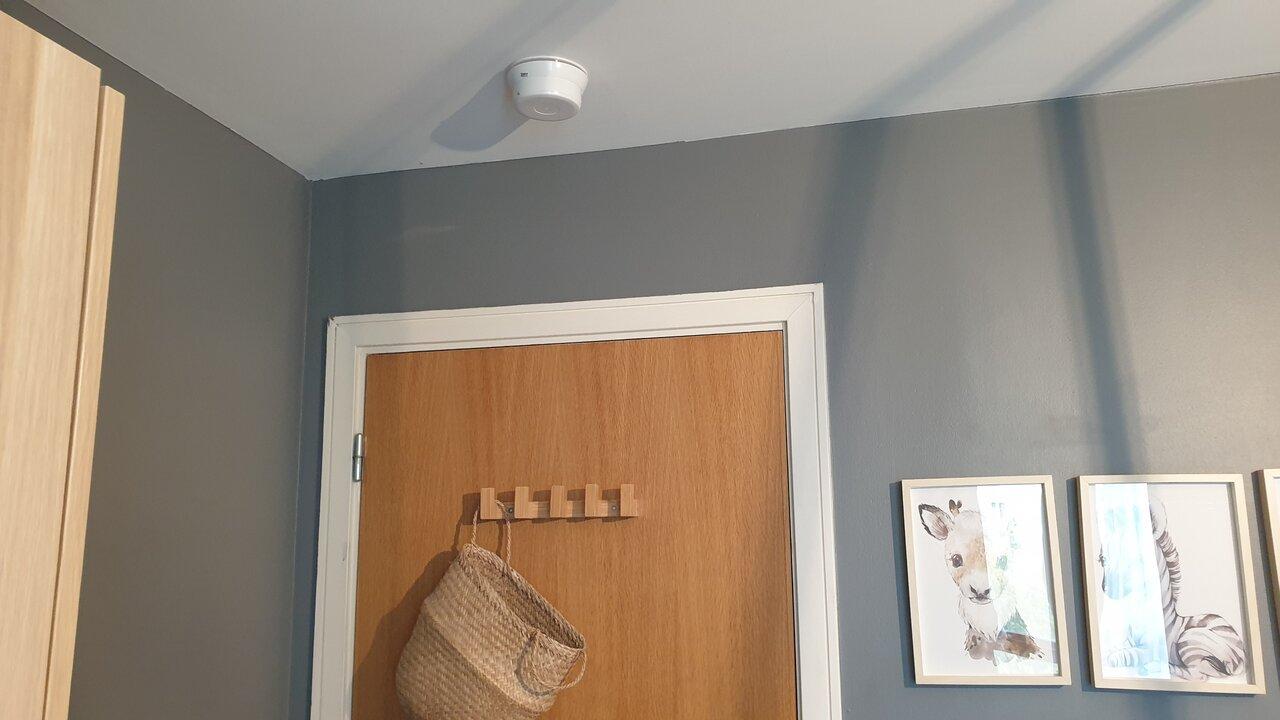
  1. @green-foam the apartment is in Ireland and is approximately 20 years old. I've attached another picture which isn't great either (i have to resize the original image). My first thought was a sounder but as I can't find any products online that look the same then I wasn't so sure. There is no text on it at all. There is a label with a random code (the label is the same style as the label on the smoke detector in the hallway so maybe it is a sounder).
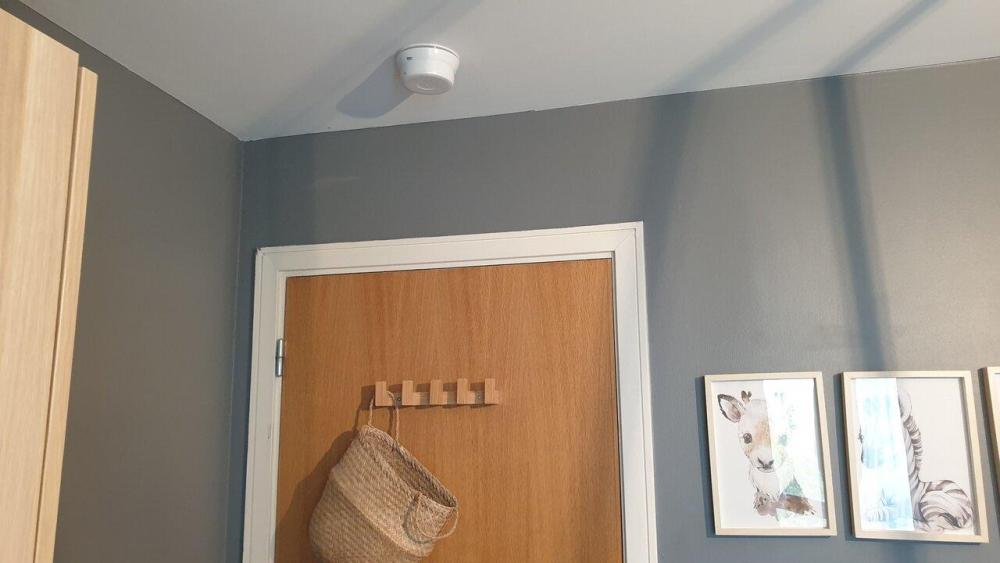
  2. Hi, Could anyone please help me identify this device (picture attached)? It is located inside an apartment bedroom? Thanks
Account

Navigation

Search

Search

Configure browser push notifications

Chrome (Android)
  1. Tap the lock icon next to the address bar.
  2. Tap Permissions → Notifications.
  3. Adjust your preference.
Chrome (Desktop)
  1. Click the padlock icon in the address bar.
  2. Select Site settings.
  3. Find Notifications and adjust your preference.