
Skip to content
View in the app

A better way to browse. Learn more.

Safelincs Fire Safety Forum

A full-screen app on your home screen with push notifications, badges and more.

To install this app on iOS and iPadOS
  1. Tap the Share icon in Safari
  2. Scroll the menu and tap Add to Home Screen.
  3. Tap Add in the top-right corner.
To install this app on Android
  1. Tap the 3-dot menu (⋮) in the top-right corner of the browser.
  2. Tap Add to Home screen or Install app.
  3. Confirm by tapping Install.

wroughtironron

Members
  • Joined

  • Last visited

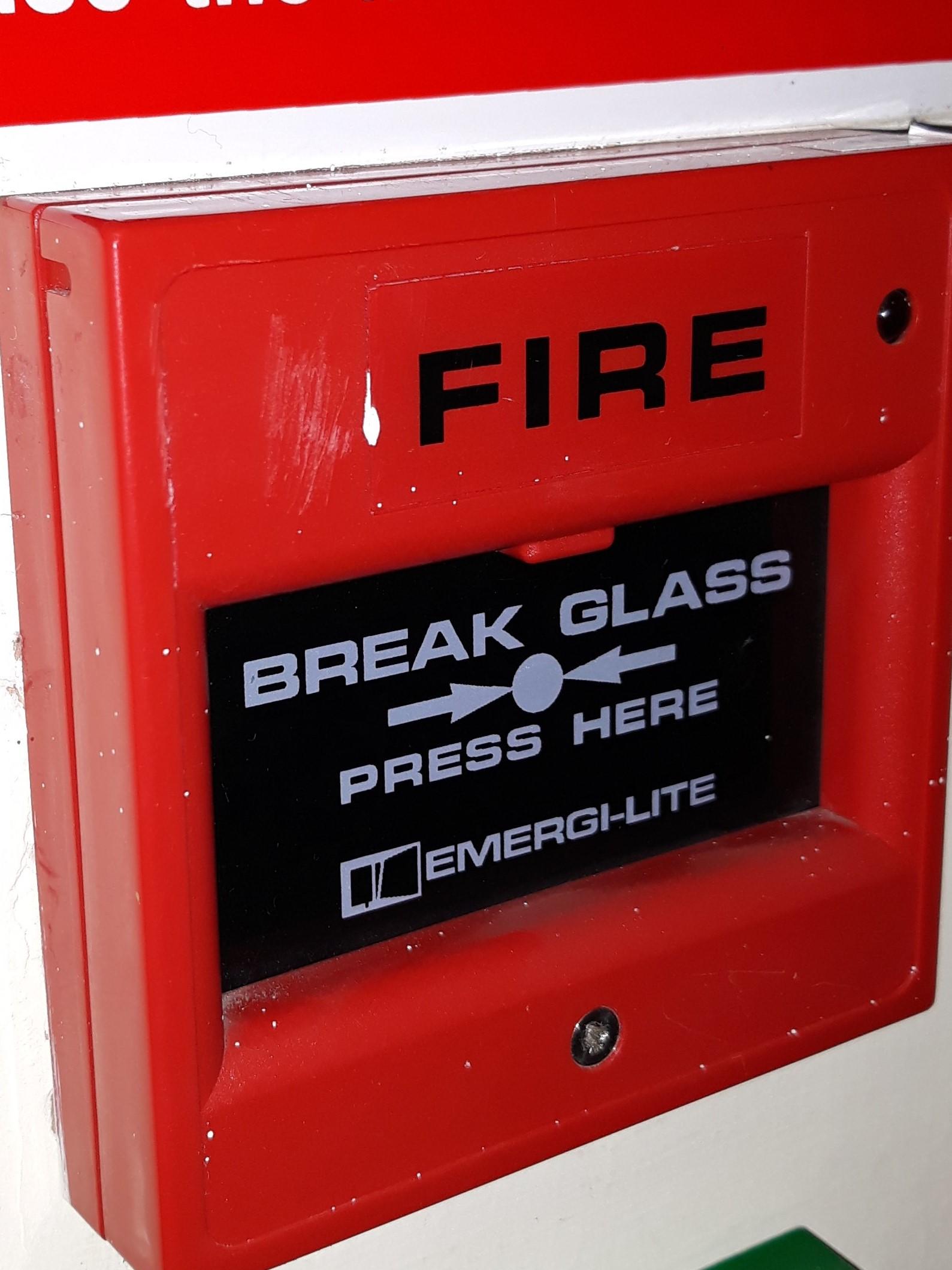
  1. Hi, Our Facilities guy has misinformed me - there are some screw holes but he doesn't know how to test the units - they are "Emergi-Lite" fittings?
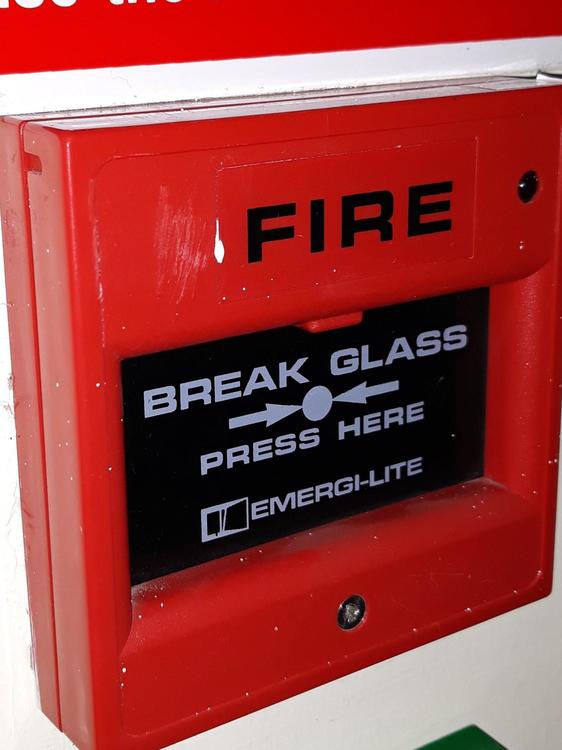
  2. Thanks - I will put pics up tomorrow when I'm back at work
  3. Hi, Our large building is around six years old and has approximately 25 red call points. Most are either the two prong plastic key reset type, or the circular socket type, but some are the slide down type. We have four which are none of these and none of us can work out how to test them, as to all intents and purposes, they appear to have no means of release/reset? No holes or access points. Any advice gratefully received - Thanks Wroughtironron
Account

Navigation

Search

Search

Configure browser push notifications

Chrome (Android)
  1. Tap the lock icon next to the address bar.
  2. Tap Permissions → Notifications.
  3. Adjust your preference.
Chrome (Desktop)
  1. Click the padlock icon in the address bar.
  2. Select Site settings.
  3. Find Notifications and adjust your preference.