

Frank
Members
-
Joined
-
Last visited
-
Thanks, AnthonyB. Really appreciate it.
-
I'm hoping someone can help me with this. I have come across Green Override break glass units in care homes and schools that are placed on the wall adjacent to an internal fire door fitted with a maglock. The height of the green override unit was about 2 meters, well above head height. The care home I visited had only recently been built so had passed inspection. To me, this seems ridiculous because how would someone that is not particularly tall reach the override unit in an emergency? Any thoughts?
-
Many thanks AnthonyB.
-
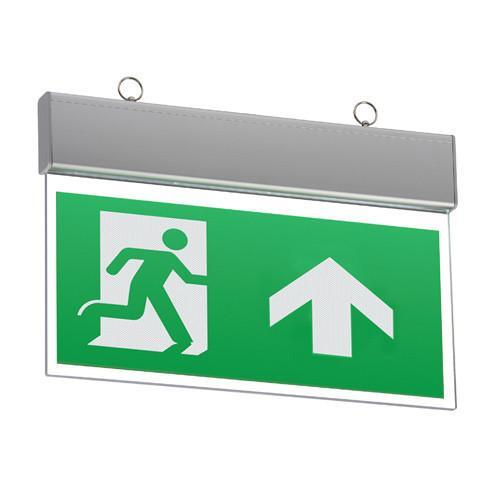
Could anyone tell me if a slimline type emergency exit sign can be classed as emergency escape lighting? Many premises have them installed. I can't find what LUX levels these lights provide to establish whether they would be adequate to use on stairwells and corridors by themselves. Any help would be gratefully appreciated.
-
Many thanks AnthonyB and Green-foam. Your information was very helpful.
-
When are stand alone battery operated manual call points acceptable? Can they be incorporated into an existing alarm system? Are they suitable for office buildings or medium sized buildings used for engineering/fabrication? Any advice is much appreciated.